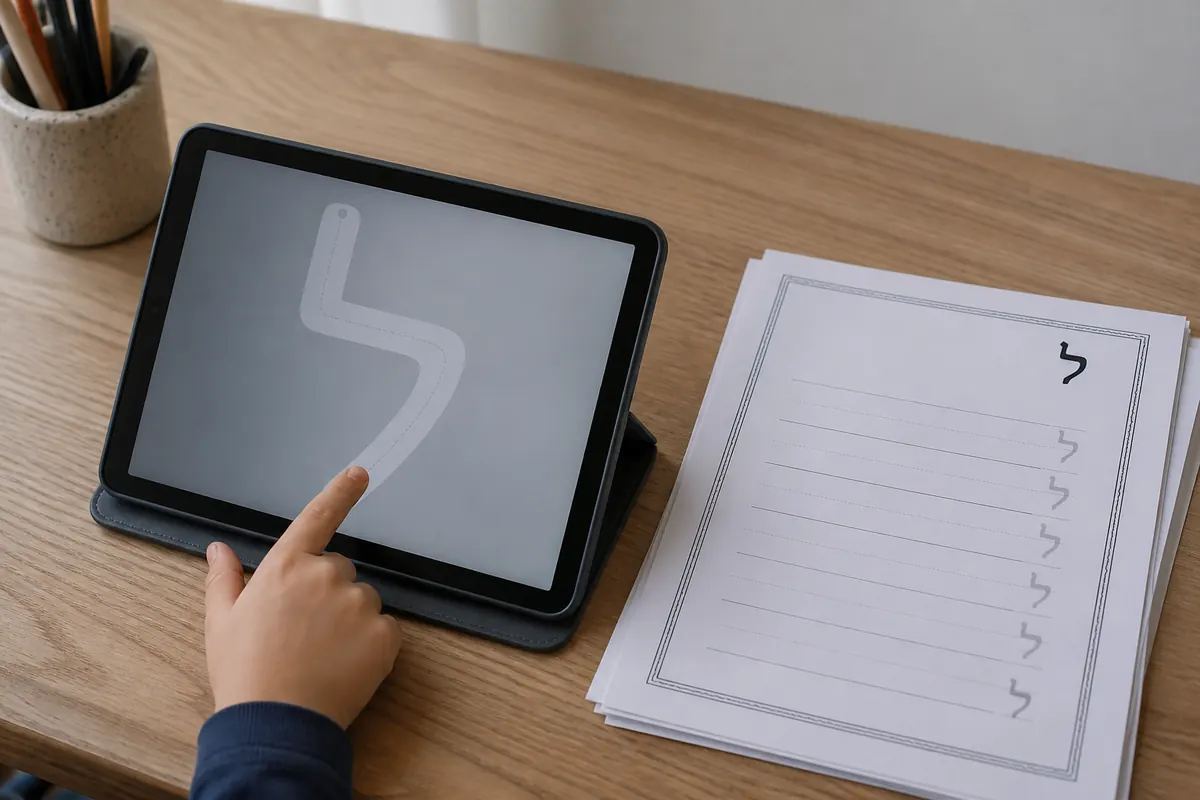
Typing Hebrew is a practical way to meet the letters outside a chart. It is also a different skill from handwriting.
Set up the layout
Open your device's language or keyboard settings, add Hebrew, and switch between English and Hebrew with the language shortcut. On a phone, use the on-screen layout. On a physical keyboard, keep a layout reference nearby until the keys become automatic.
Type a short sequence from the alphabet in order, then read it back. For names, use the Hebrew name guide to understand why typing a transliteration is not the same as translating a name.
Keep direction visible
Hebrew text is right to left, but punctuation and mixed English text can make a line feel unstable. Set the text direction to RTL when your editor offers it. The right-to-left writing guide explains the same idea for pen and paper.
Frequently Asked Questions
Quick answers to common questions.
Add a Hebrew keyboard in your device language settings, switch input languages, and type with the Hebrew layout. A virtual keyboard works if you do not have Hebrew key labels.
Related Articles
View All →
Writing Hebrew right to left felt fake until my hand stopped fighting it
Hebrew alphabet in order: all 22 letters from aleph to tav